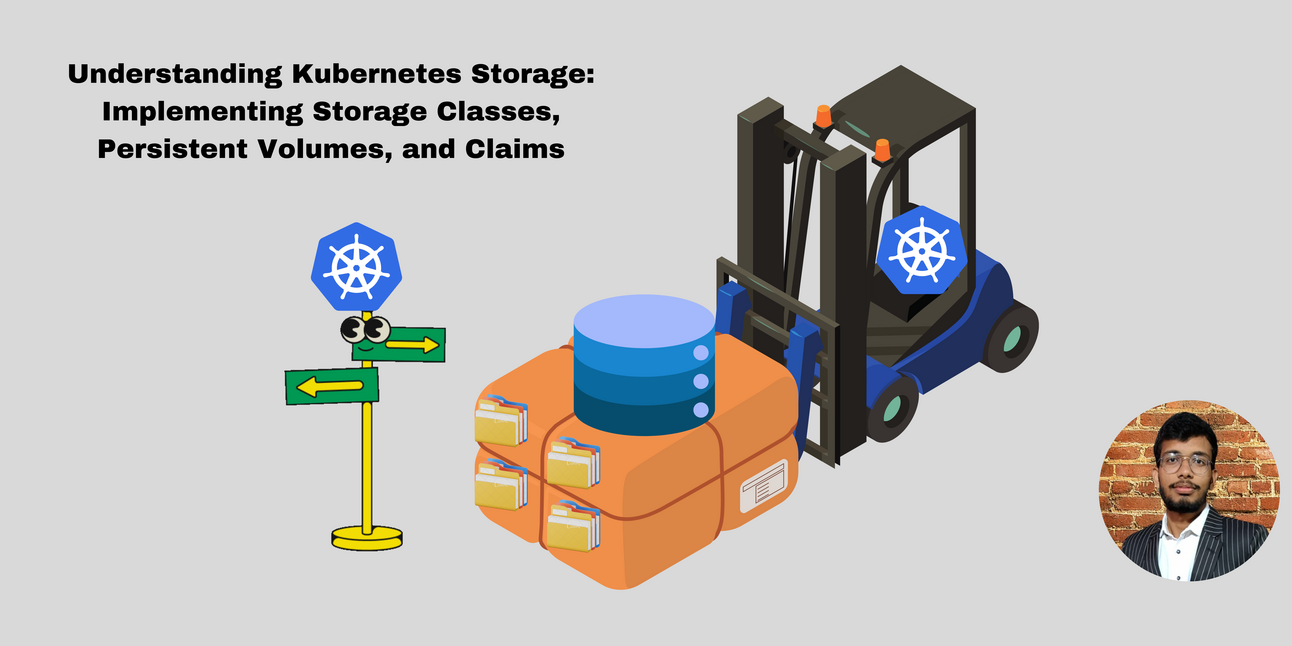
Understanding Kubernetes Storage: Implementing Storage Classes, Persistent Volumes, and Claims
For great practical learning and detailed breakdowns, subscribe my newsletter: https://rudraksh-tech.beehiiv.com/subscribe

Here’s a step-by-step practical implementation of using Kubernetes Storage Classes in a real environment:
Prerequisites:
A running Kubernetes cluster (Minikube, GKE, EKS, etc.)
kubectlCLI installed and configured to manage your cluster.
Step-by-Step Practical Implementation:
1. Set Up the Kubernetes Cluster
You need a Kubernetes cluster to implement the example. If you’re using Minikube locally, start Minikube:
minikube start
Or if you're using a cloud platform like Google Kubernetes Engine (GKE), make sure your cluster is up and running.
2. Create a Storage Class
Define a Storage Class that Kubernetes will use to dynamically provision storage. Here’s an example YAML file for the StorageClass:
# storageclass.yaml
apiVersion: storage.k8s.io/v1
kind: StorageClass
metadata:
  name: fast-storage  # Name of the storage class
provisioner: kubernetes.io/aws-ebs  # Replace with the provisioner relevant to your environment (GCE, Azure, etc.)
parameters:
  type: gp2  # Specify the type of storage (e.g., gp2 in AWS for General Purpose SSD)
  fsType: ext4  # Filesystem type
Apply the StorageClass:
kubectl apply -f storageclass.yaml
Verify it was created:
kubectl get storageclass
You should see fast-storage listed.
3. Create a PersistentVolumeClaim (PVC)
Next, create a PersistentVolumeClaim that will use this StorageClass to dynamically provision storage:
# pvc.yaml
apiVersion: v1
kind: PersistentVolumeClaim
metadata:
  name: my-pvc  # Name of the PVC
spec:
  accessModes:
    - ReadWriteOnce  # Access mode, can be ReadWriteMany for shared access
  storageClassName: fast-storage  # Use the StorageClass you defined earlier
  resources:
    requests:
      storage: 5Gi  # Request 5 GB of storage
Apply the PVC:
kubectl apply -f pvc.yaml
Verify the PVC is created and bound:
kubectl get pvc
The status should show Bound, indicating that a persistent volume has been dynamically provisioned.
4. Create a Pod to Use the PVC
Now, deploy a Pod (for example, a simple MySQL database) that will use the dynamically provisioned persistent storage:
# mysql-pod.yaml
apiVersion: v1
kind: Pod
metadata:
  name: mysql
spec:
  containers:
  - name: mysql
    image: mysql:5.6
    ports:
    - containerPort: 3306
    env:
    - name: MYSQL_ROOT_PASSWORD
      value: password
    volumeMounts:
    - name: mysql-storage
      mountPath: /var/lib/mysql  # MySQL data directory
  volumes:
  - name: mysql-storage
    persistentVolumeClaim:
      claimName: my-pvc  # Refer to the PVC created earlier
Apply the Pod definition:
kubectl apply -f mysql-pod.yaml
5. Verify the Pod and Storage
Check if the Pod is running:
kubectl get pods
The Pod should be in the Running state. Now, check if the Persistent Volume has been provisioned:
kubectl get pv
This will show a dynamically provisioned PersistentVolume associated with your PVC.
6. Test Persistence
Access the MySQL Pod: Connect to the MySQL container and create some data:
kubectl exec -it mysql -- mysql -u root -pInside MySQL, create a database and a table:
 CREATE DATABASE testdb;
 USE testdb;
 CREATE TABLE users (id INT PRIMARY KEY, name VARCHAR(100));
 INSERT INTO users (id, name) VALUES (1, 'Rudraksh');
Delete the Pod: Now, delete the MySQL Pod and re-create it to test if the data persists:
kubectl delete pod mysqlReapply the Pod:
kubectl apply -f mysql-pod.yamlVerify Data Persistence: Access the MySQL Pod again and check if the data still exists:
kubectl exec -it mysql -- mysql -u root -pCheck the database:
 USE testdb;
 SELECT * FROM users;
You should see the data (
Rudraksh) still present, confirming that the storage persisted even though the Pod was restarted.
Conclusion:
This practical implementation demonstrates how you can use Kubernetes Storage Classes to dynamically provision persistent storage for stateful applications like MySQL. With Storage Classes, Kubernetes simplifies storage management by automating the creation and management of Persistent Volumes based on the application’s needs.
#Kubernetes #KubernetesStorage #StorageClass #CloudNative #PersistentStorage #DevOps #KubernetesTutorial #Minikube #DynamicProvisioning #CloudComputing #PersistentVolumeClaim #Containers #InfrastructureAutomation #StatefulApplications #KubernetesTips #TechForDevelopers #CloudStorage #K8sBestPractices #OpenSourceDevOps #KubernetesForBeginner